

Unlock Savings — 10% Off On First Invoice

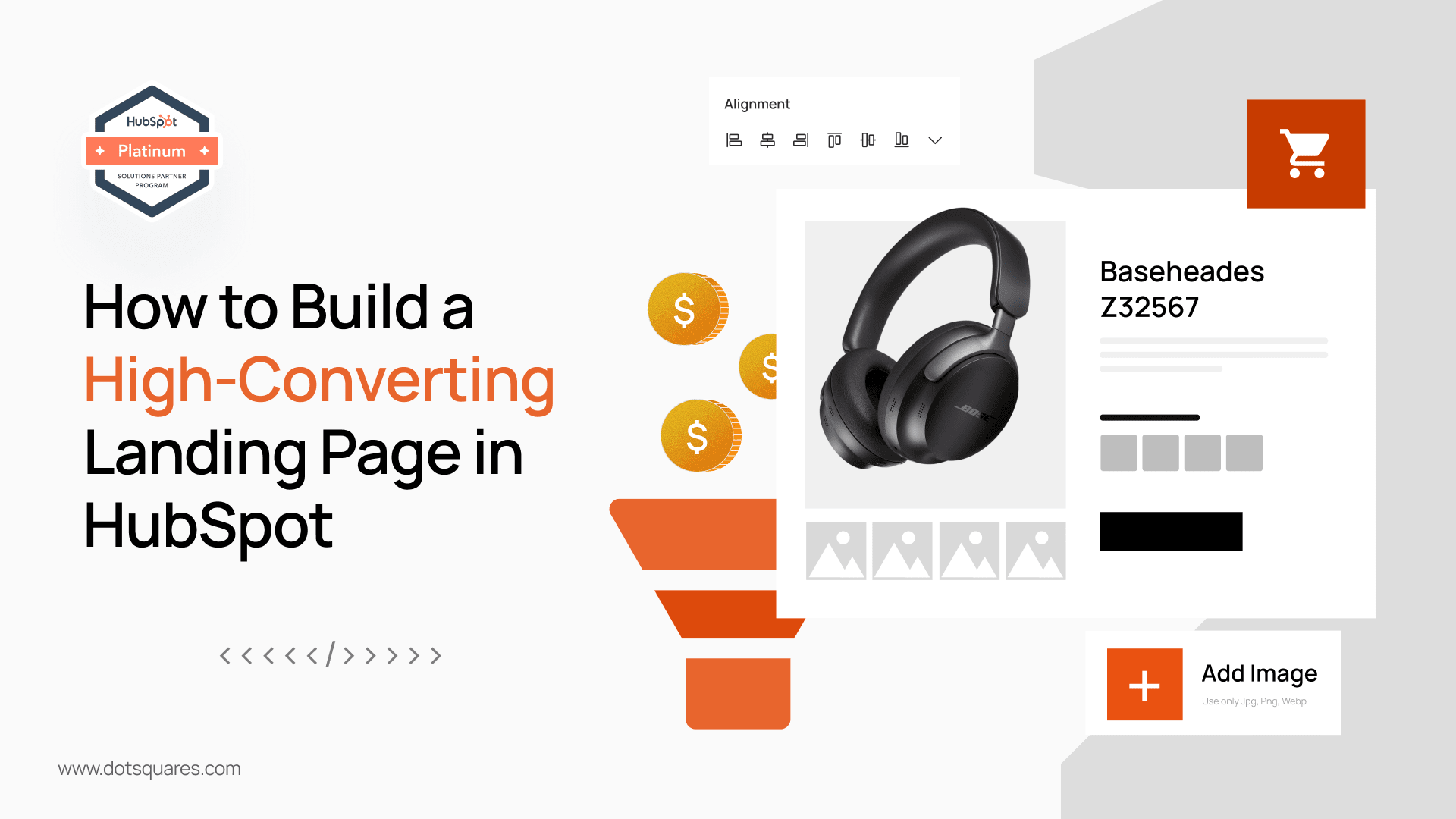
Let’s be honest. You’ve probably spent a significant chunk of your marketing budget on driving traffic to your website. You’ve nailed your social media campaigns, your Google Ads are performing well, and your email newsletters are getting opened. But what happens when all that hard-won traffic finally lands on a page?
If that page doesn't do its job, all that effort is for nothing. A landing page isn't just another page on your site; it's a dedicated salesperson, working 24/7, with one single mission: to convert a visitor into a lead or a customer. And if it's not built to perform, it's costing you money.
This is where HubSpot comes in. It provides the tools you need to create powerful landing pages, but the real magic comes from understanding the strategy behind them. So, are you ready to stop leaking potential leads and start turning more visitors into valuable contacts?
Think of your website as a bustling high street. Your blog, your 'About Us' page, your product pages – they're all shops and cafes along the way. A landing page, however, is a specific pop-up stall with a singular, unmissable offer. There are no distractions, no other shops to wander into. It’s a direct, focused conversation with the customer about one thing and one thing only.
A typical website has an average conversion rate of around 2.35%, but the top-performing landing pages can see conversion rates of over 11%. That's a huge difference, and it shows the power of focus. A high-converting page is the difference between a trickle of leads and a steady flow.
So, how do we build one? Let’s walk through the essential components and how to put them into action using HubSpot.
Your headline is your first and only chance to grab attention. It should immediately tell the visitor what they're getting and why they should care. Forget clever wordplay; be clear and concise.
The HubSpot approach: The drag-and-drop editor makes it easy to create a headline section. Use a large, bold font, and pair it with a sub-heading that adds a bit more detail. Focus on the core value proposition. Are you offering a free guide? A template? A webinar? Say it loud and clear.
Once you have their attention, the body copy needs to keep it. The biggest mistake people make is talking about themselves. Your copy should be about the visitor. What are their pain points? How will your offer solve them?
Does your copy speak directly to your ideal customer's frustrations and desires?
The HubSpot approach: Use bullet points to break up large blocks of text. Highlight the key benefits, not just the features. If your offer is a guide, the benefits could be 'save time with pre-written templates' or 'learn how to reach your audience without a huge budget.' Use the rich text editor to make certain words bold to draw the eye to the most important points.
A picture is worth a thousand words, and on a landing page, the right image or video can be the difference between a conversion and a bounce. Your visuals should support your message, not distract from it.
The HubSpot approach: Easily upload images or embed a video right from the editor. Consider using a custom image or a short explainer video that introduces your offer. HubSpot's templates often have pre-built sections for hero images or video embeds, making it a simple task to add a professional touch.
Trust is a huge conversion factor. Visitors want to know they're not the first to take a chance on your business. Testimonials, customer logos, or snippets from a case study can be incredibly persuasive.
Ever find yourself checking reviews before buying a new gadget or booking a restaurant? That's social proof at work.
The HubSpot approach: Create a dedicated section for testimonials. You can simply add a row with a quote and a photo of a happy customer. Adding logos of well-known clients also adds instant credibility. This is a simple but powerful way to build trust with a new visitor.
The form is where the magic happens. It’s the final step to conversion, so it must be as easy and painless as possible. A good rule of thumb is to only ask for the information you absolutely need at that moment.
The HubSpot approach: HubSpot's Forms tool is a dream. It lets you create custom forms with a simple drag-and-drop builder. You can set up smart forms that dynamically show or hide fields based on previous answers or data you already have about the contact. For a first-time conversion, keep it to just a name and email address. You can always gather more information later through progressive profiling.
Your CTA button is the final instruction. It should be visually distinct from the rest of the page and use action-oriented language. Words like "Download," "Get," "Claim," or "Register" are far more effective than vague phrases like "Submit."
The HubSpot approach: With HubSpot's CTA tool, you can create a stand-out button and track its performance directly. Make sure the colour contrasts with the background and the text is crystal clear. "Download Your Free Guide" is much more compelling than just "Submit."
While HubSpot’s tools make it easier than ever to build a great landing page, there are times when you need to go beyond the standard templates. Maybe you have a complex design in mind, need advanced integrations with your backend systems, or want to build a truly unique user experience that aligns perfectly with your brand. This is where relying solely on drag-and-drop can hit its limits.
In these situations, the most efficient and effective path is to Hire a Hubspot Developer. An experienced developer can transform your vision into a reality, creating custom templates and modules that are uniquely yours. They can build functionality that isn’t available out-of-the-box, ensuring your landing pages are not just high-converting but also perfectly tailored to your business needs.
By investing in professional Hubspot Development Services, you’re not just getting a new page; you're getting a scalable asset. A developer can build a custom library of templates for you to use in the future, saving your team countless hours. They also ensure the code is clean, responsive, and SEO-friendly, which are critical factors for performance.
It’s about recognising when the DIY approach is sufficient and when a specialist is needed to deliver a truly impactful result. The right IT Development Services can provide the expertise to build a landing page that not only converts but also stands out in a crowded digital landscape, giving you a distinct competitive advantage.
What happens after they click the button? HubSpot automatically creates a 'Thank You' page for you, but doesn't just leave it at that. This is a golden opportunity. Use it to deliver the promised content and offer a next step. Could they follow you on social media? Or maybe read a related blog post? A great 'Thank You' page keeps the conversation going.
Building a high-converting landing page isn’t a one-time task; it’s an ongoing process of optimising and refining. HubSpot’s A/B testing tools allow you to test different headlines, images, or CTA buttons to see what performs best. You're never really "done" with a landing page; you're always making it better.
By focusing on clarity, trust, and a seamless user experience, you can transform your HubSpot landing pages from simple web documents into powerful lead-generating assets. It's time to build landing pages that don't just exist, but actively work for your business.


 November 19, 2025
Free AI website builders sound great, but the hidden limits, risks, and long-term costs can hurt your business. Learn the truth before you build your next website.
Keep Reading November 19, 2025
Discover 2025’s top digital marketing trends AI, voice search, video, personalization & ethical branding. Stay ahead with Dotsquares’ expert solutions.
Keep Reading November 14, 2025
Discover how Dotsquares elevate modern social media marketing with tailored SMM strategies that boost engagement, build trust, and drive business growth.
Keep Reading